Basic Usage
Inspect a Code Point
Run Sauva without arguments to open the default code point:
sauva
You can also specify a character or code point:
sauva あ
sauva U+2192
The Inspector shows the selected code point's properties and glyph preview.
- Use h / l or Left / Right to inspect adjacent code points.
- Use j / k or Down / Up to select a property, then y to copy its value.
- Press / to search, or p, r, b, or c to browse.
- Press F1 for help with the current screen.
- Press q or Esc to quit from the Inspector. Ctrl-C quits from any screen.
Analyze a String
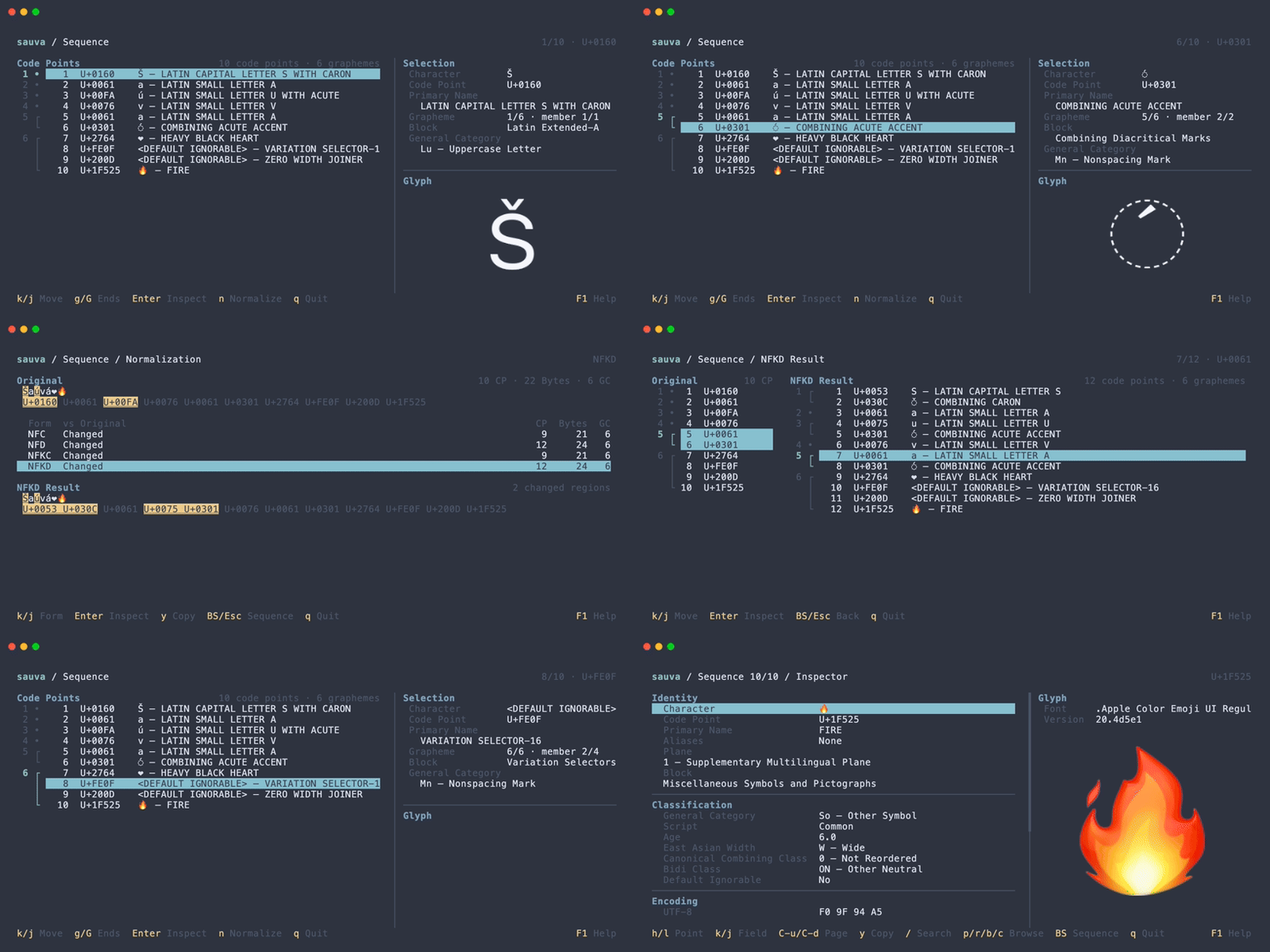
Pass a string containing multiple code points to open Sequence mode:
sauva 'Á👩💻'
The list preserves the input order and groups code points into grapheme clusters.
- Use j / k or Down / Up to select a code point.
- Press Enter to open it in the Inspector, then Backspace to return.
- Press n in Sequence to compare normalization forms.
Use --text when a string would otherwise be interpreted as code point notation:
sauva --text 41
Read from a Pipe or File
Use --text - to read literal UTF-8 text from a pipe or file:
printf 'Á👩💻' | sauva --text -
sauva --text - < input.txt
Whitespace and trailing newlines are preserved.
For all input rules and options, see Command Line Options. The complete controls are listed in Keybindings.