Browse
Browse Unicode by numeric location or by a named block. From the Inspector, use these shortcuts:
| Key | Starting view |
|---|---|
| p | Planes |
| r | Ranges in the current plane |
| b | Blocks |
| c | Code points in the current range |
Planes and Ranges
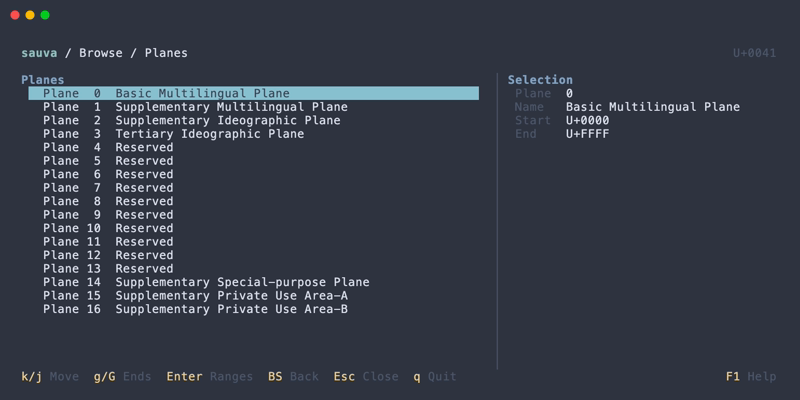
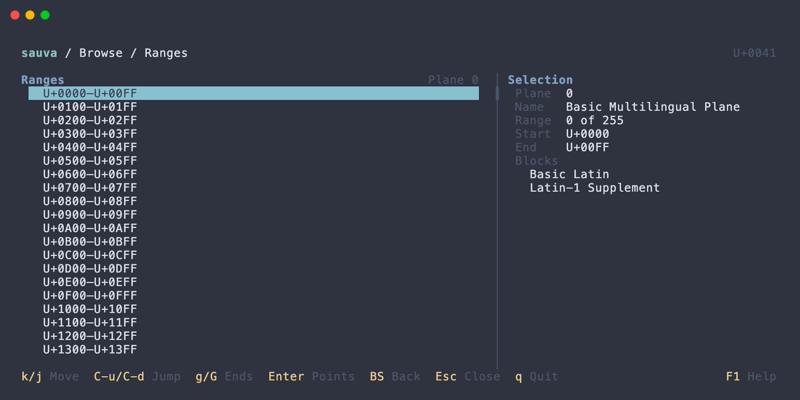
This path explores Unicode by code point value:
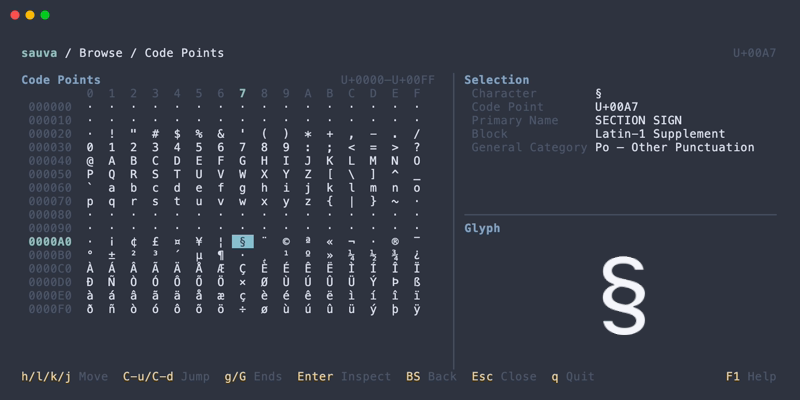
Plane → Range → Code Point → Inspector
A plane contains 65,536 code points. Sauva divides each plane into ranges of 256 code points for browsing. These ranges are numeric subdivisions, independent of named Unicode blocks.
Blocks
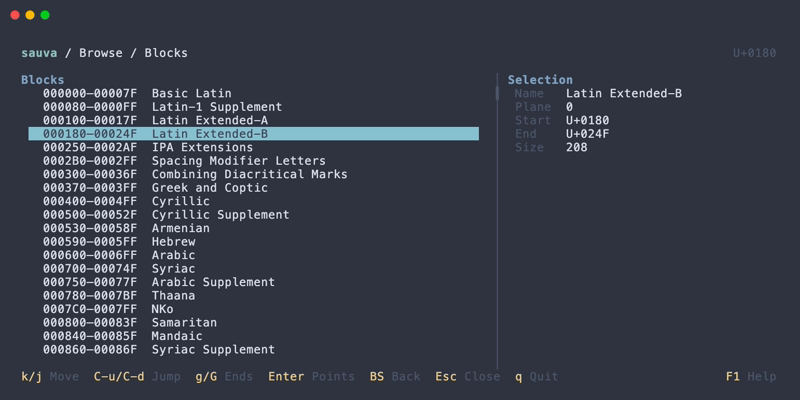
This path explores named blocks from the Unicode Character Database:
Block → Code Point → Inspector
Blocks have different sizes and may leave gaps between them.
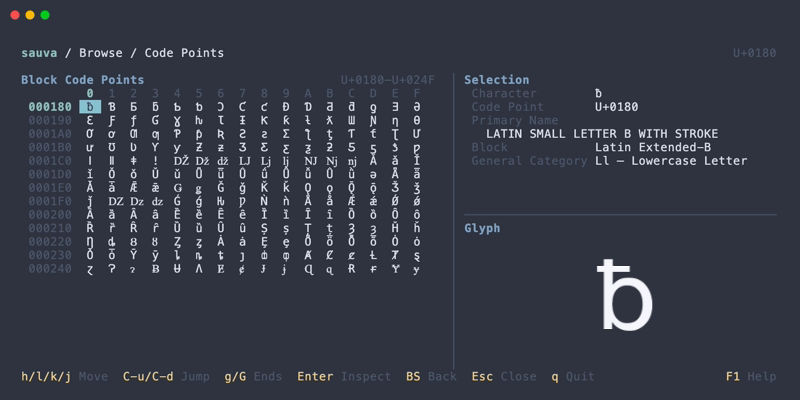
Code point grids include unassigned and special code points, so an entry may have no visible glyph. The Inspector provides the available property details for each entry.
Operations
| Keys | Action |
|---|---|
| Arrow keys | Select an item or code point |
| Enter | Open the next level or inspect the selected code point |
| Backspace | Return to the previous browse level, or to the Inspector at the starting level |
| Esc | Close Browse and return to the Inspector |
See Keybindings for all Browse controls.