Command Line Options
-n, --max-count <NUMBER>
Maximum number of commits to render.
If not specified, all commits will be rendered.
It behaves similarly to the --max-count option of git log.
-p, --protocol <TYPE>
A protocol type for rendering images of commit graphs.
Possible values: auto, iterm, kitty, kitty-unicode
By default auto will guess the best supported protocol for the current terminal (if listed in Supported terminal emulators).
-o, --order <TYPE>
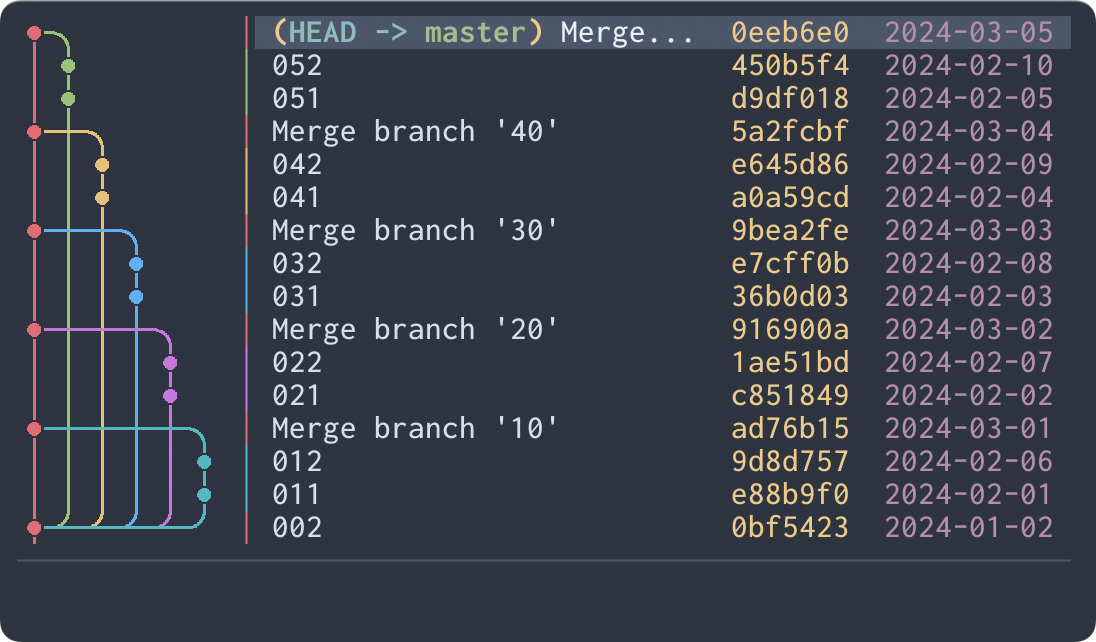
Commit ordering algorithm.
Possible values: chrono, topo
chrono will order commits by commit date if possible.
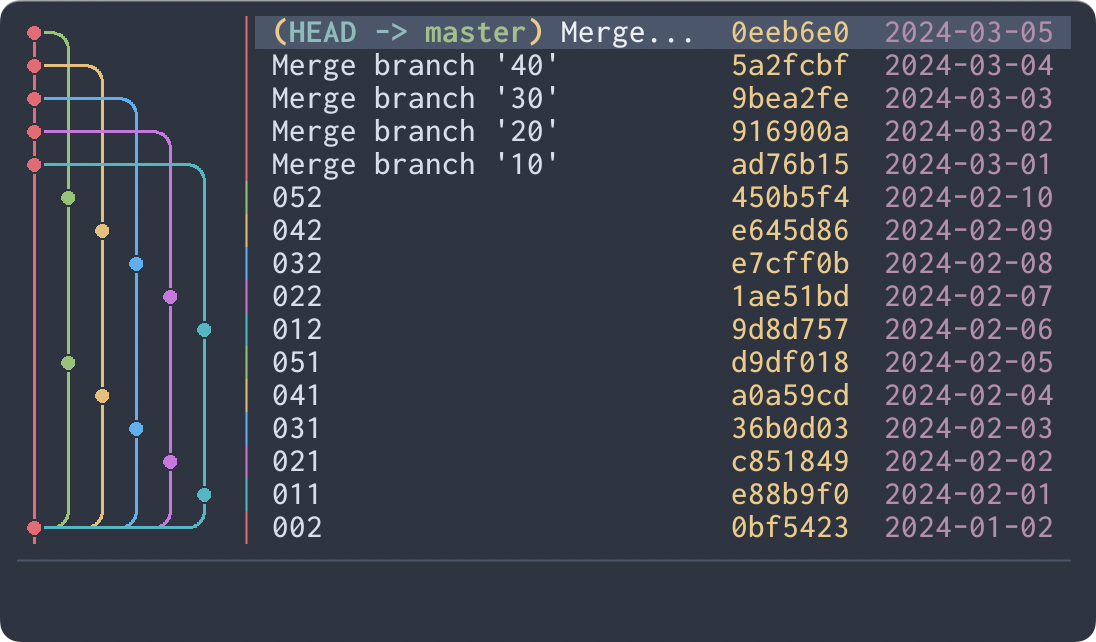
topo will order commits on the same branch consecutively if possible.
-g, --graph-width <TYPE>
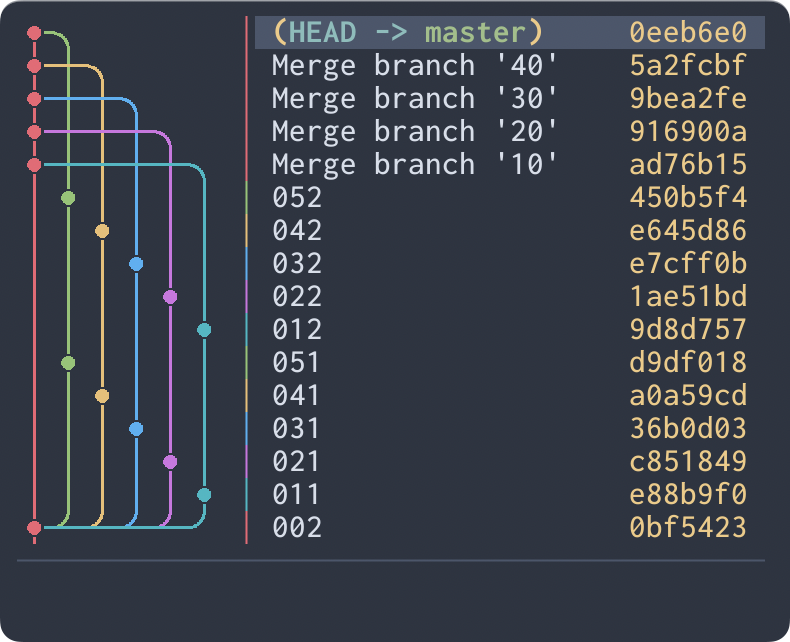
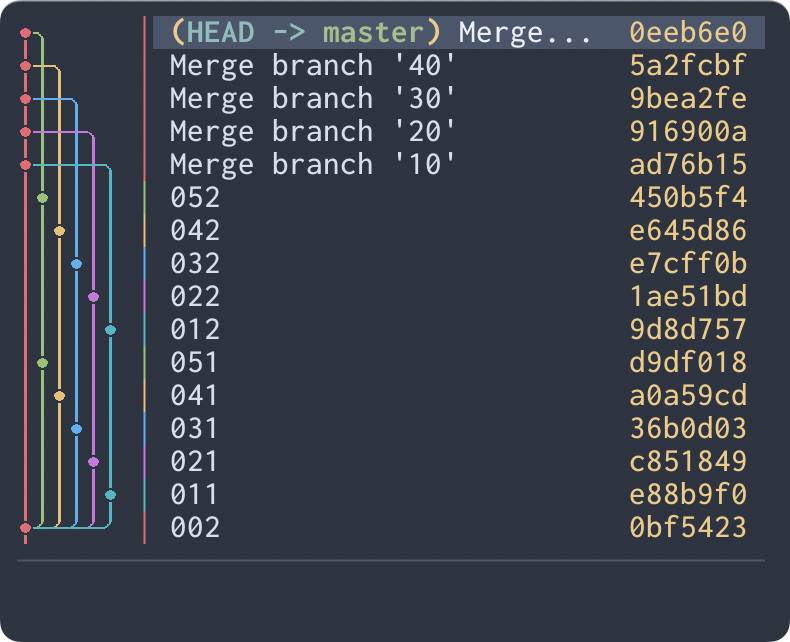
The character width that a graph image unit cell occupies.
Possible values: auto, double, single
If not specified or auto is specified, double will be used automatically if there is enough width to display it, single otherwise.
-s, --graph-style <TYPE>
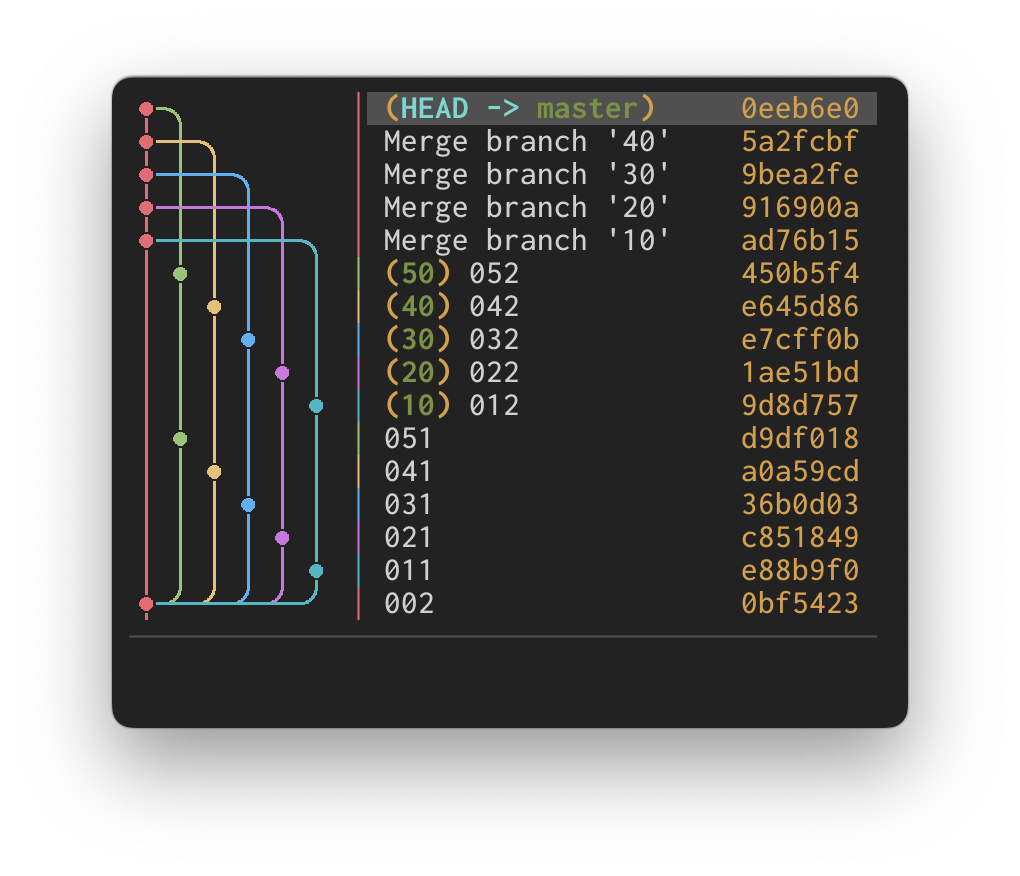
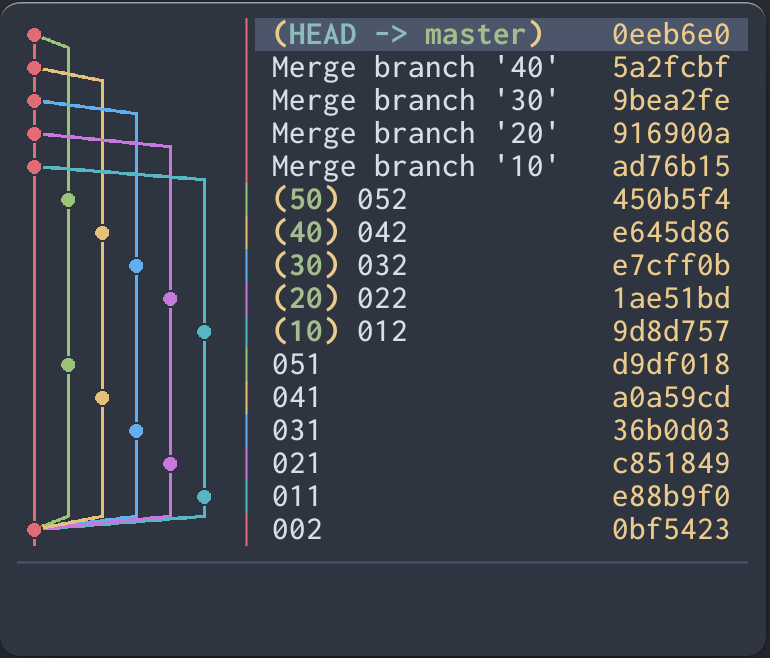
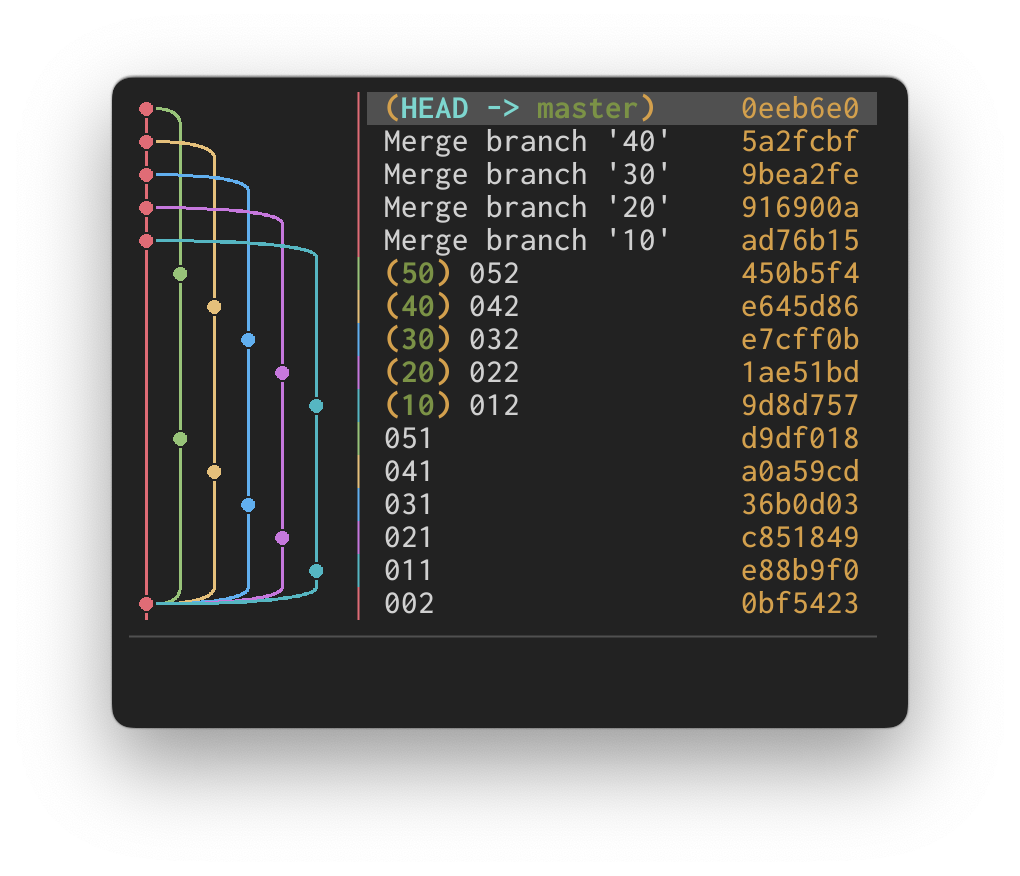
The commit graph image edge style.
Possible values: rounded, angular, curved
rounded will use rounded edges for the graph lines.
angular will use angular edges for the graph lines.
curved will use curved edges for the graph lines.
--graph-antialias, --no-graph-antialias
--graph-antialias enables antialiasing for graph lines and commit circles. It is disabled by default.
--no-graph-antialias disables antialiasing even when enabled in the config file.
These flags cannot be used together.
-i, --initial-selection <TYPE>
The initial selection of commit when starting the application.
Possible values: latest, head
latest will select the latest commit.
head will select the commit at HEAD.
-b, --primary-branch <BRANCH>
The primary branch to keep on the leftmost column.
When specified, Serie preserves the first-parent commit spine of the specified branch along the leftmost column, displaying other branches in subsequent columns even if they contain newer commits.