Introduction
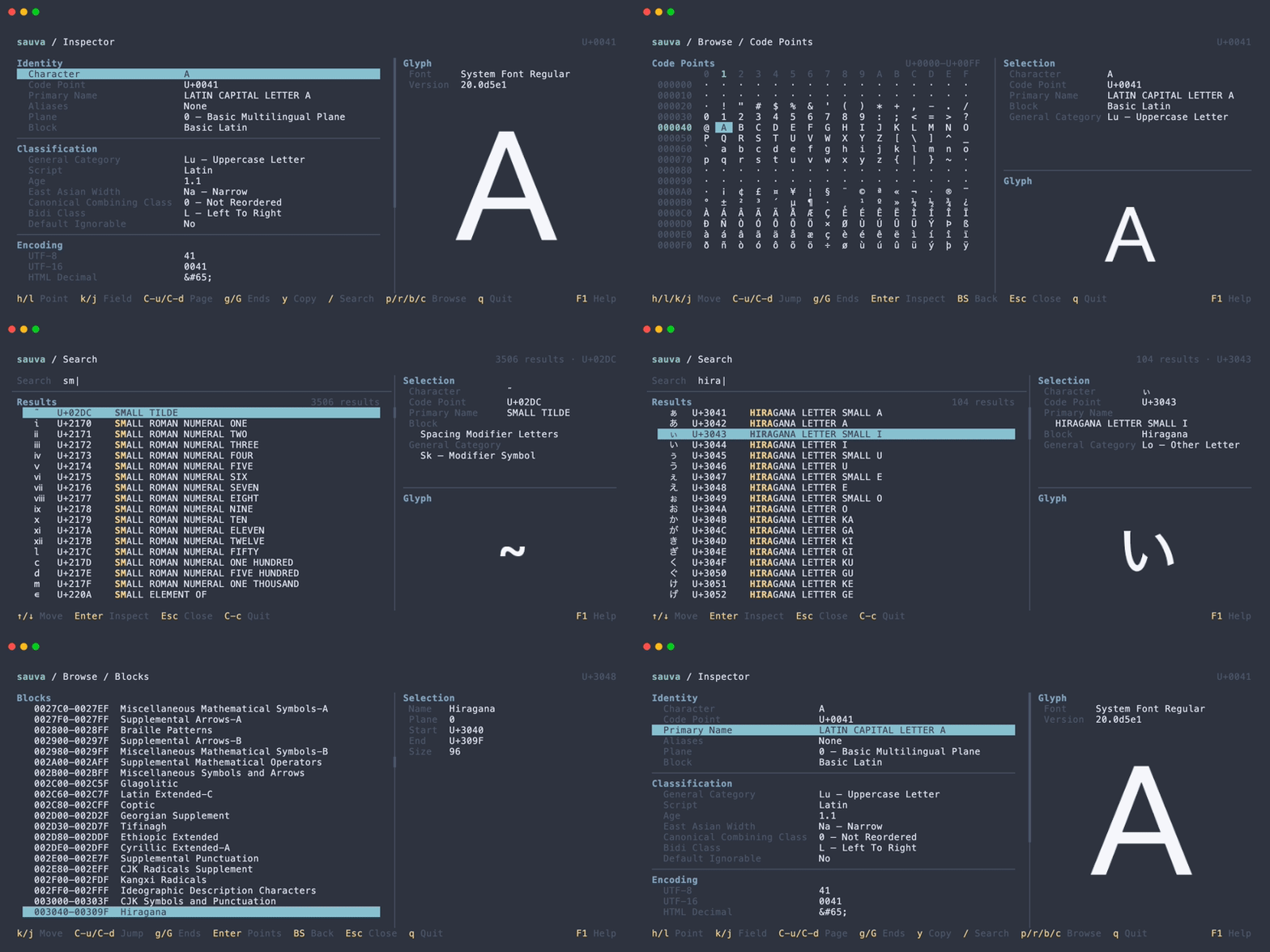
Sauva is a terminal application for searching and browsing Unicode code points. It shows Unicode properties and a glyph preview in a responsive TUI.
Key Features
- Inspect Unicode names, properties, encodings, and decomposition mappings.
- Search by character, code point, Unicode name, or formal name alias.
- Browse Unicode planes, ranges, blocks, and code points.
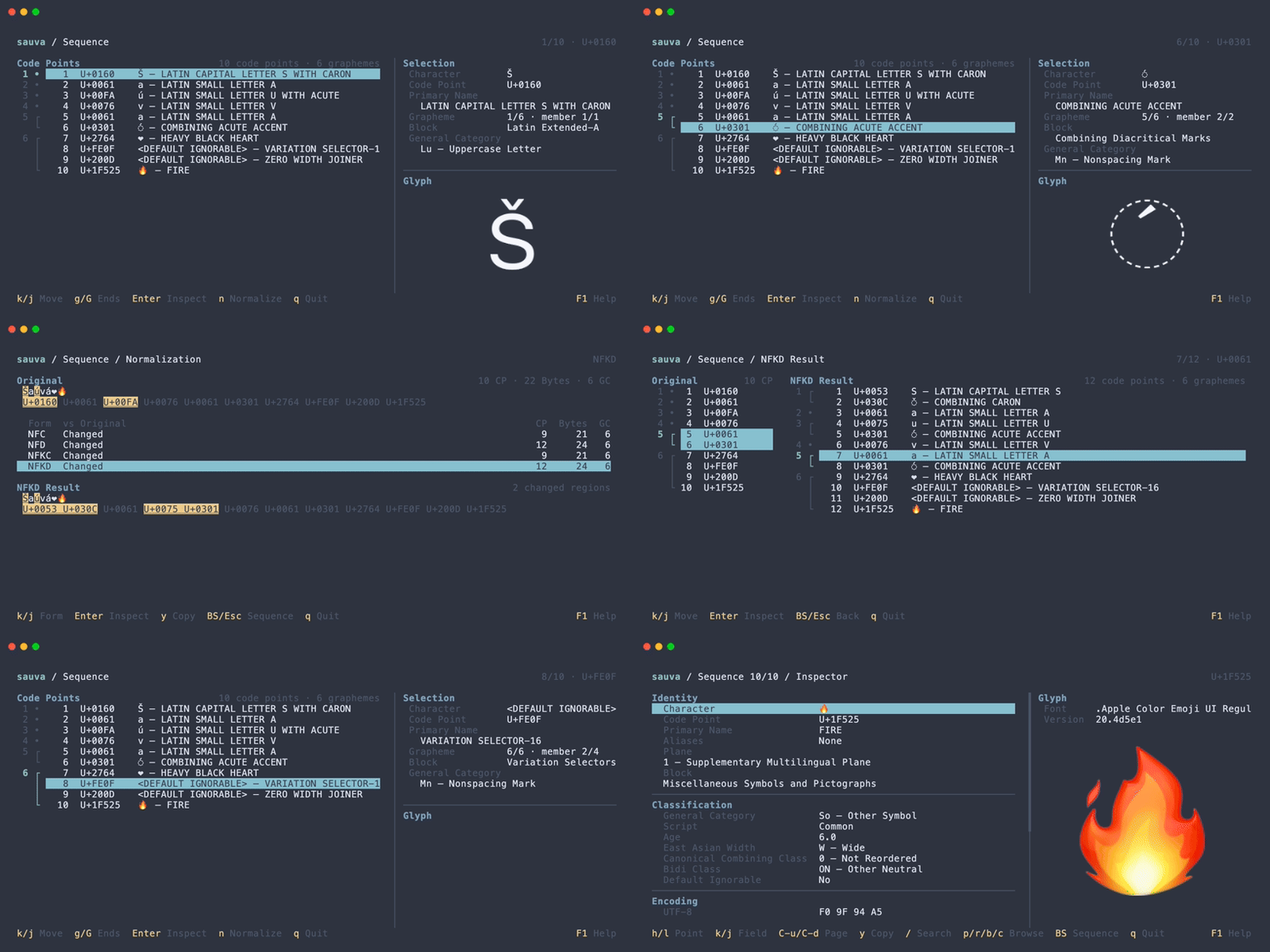
- Analyze text as code points and grapheme clusters in Sequence mode.
- Compare NFC, NFD, NFKC, and NFKD normalization forms.
- Preview glyphs using installed fonts and a terminal graphics protocol.
- Customize colors, fonts, and keybindings.
For example, use Sauva to identify an invisible character, find a symbol by name, or examine how an emoji or accented letter is represented in a string.
Unicode Data
Sauva bundles data based on Unicode 17.0.0. Browsing and property lookup work offline, and the bundled data version is shown in the Inspector.
Glyphs depend on the fonts installed on your system. A character can have Unicode data even when no installed font can display it.
Built with Rust and Ratatui. Sauva is available on GitHub under the MIT License.
The generated Unicode data is distributed under the Unicode License v3. See the third-party notices for details.